














WITH
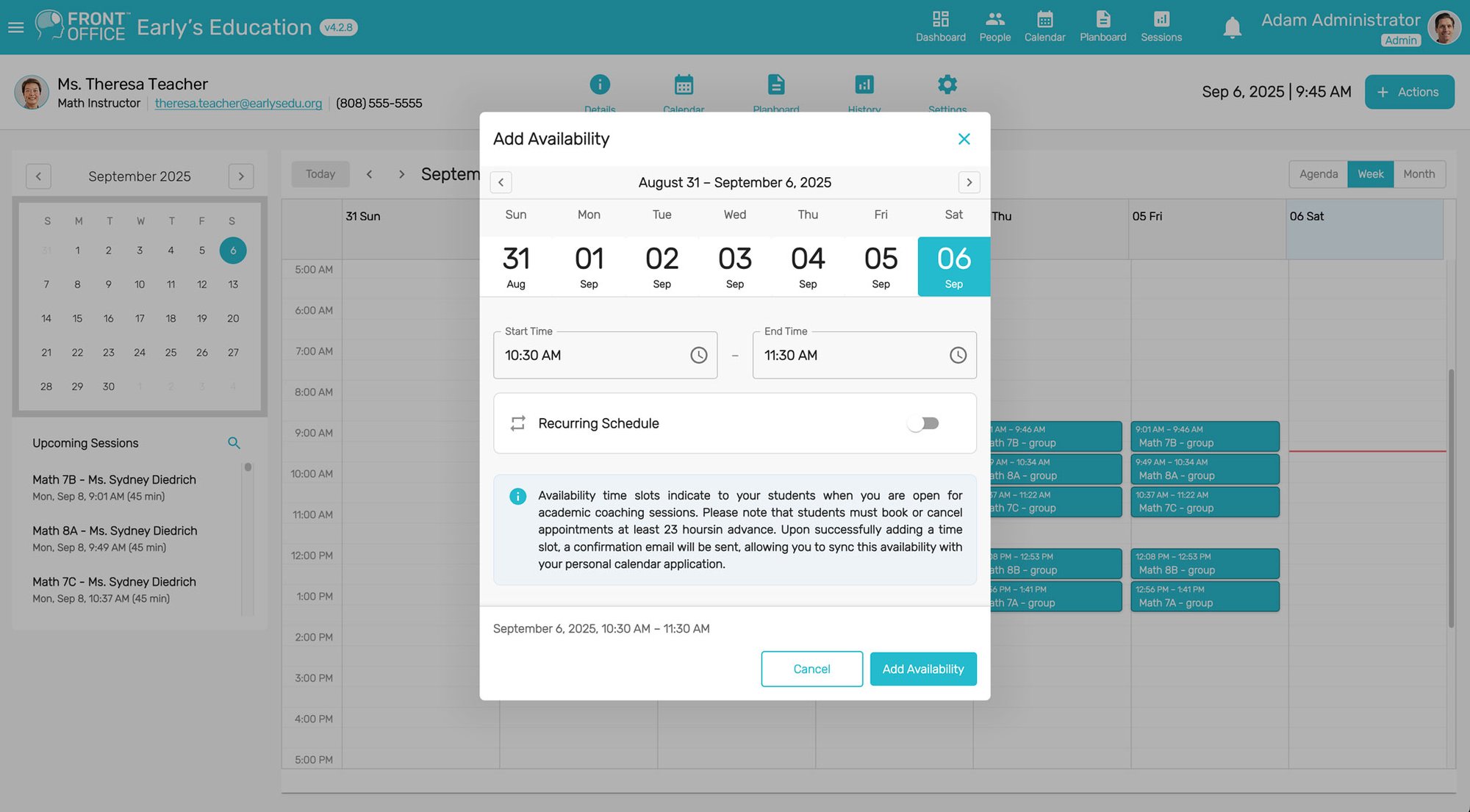
Eliminate back-and-forth emails. Students, teachers, and coaches book instantly and stay in sync.
Keep classes structured and transparent. Students and families always know what’s next.
Context-aware communication that keeps everyone accountable, without scattered emails.
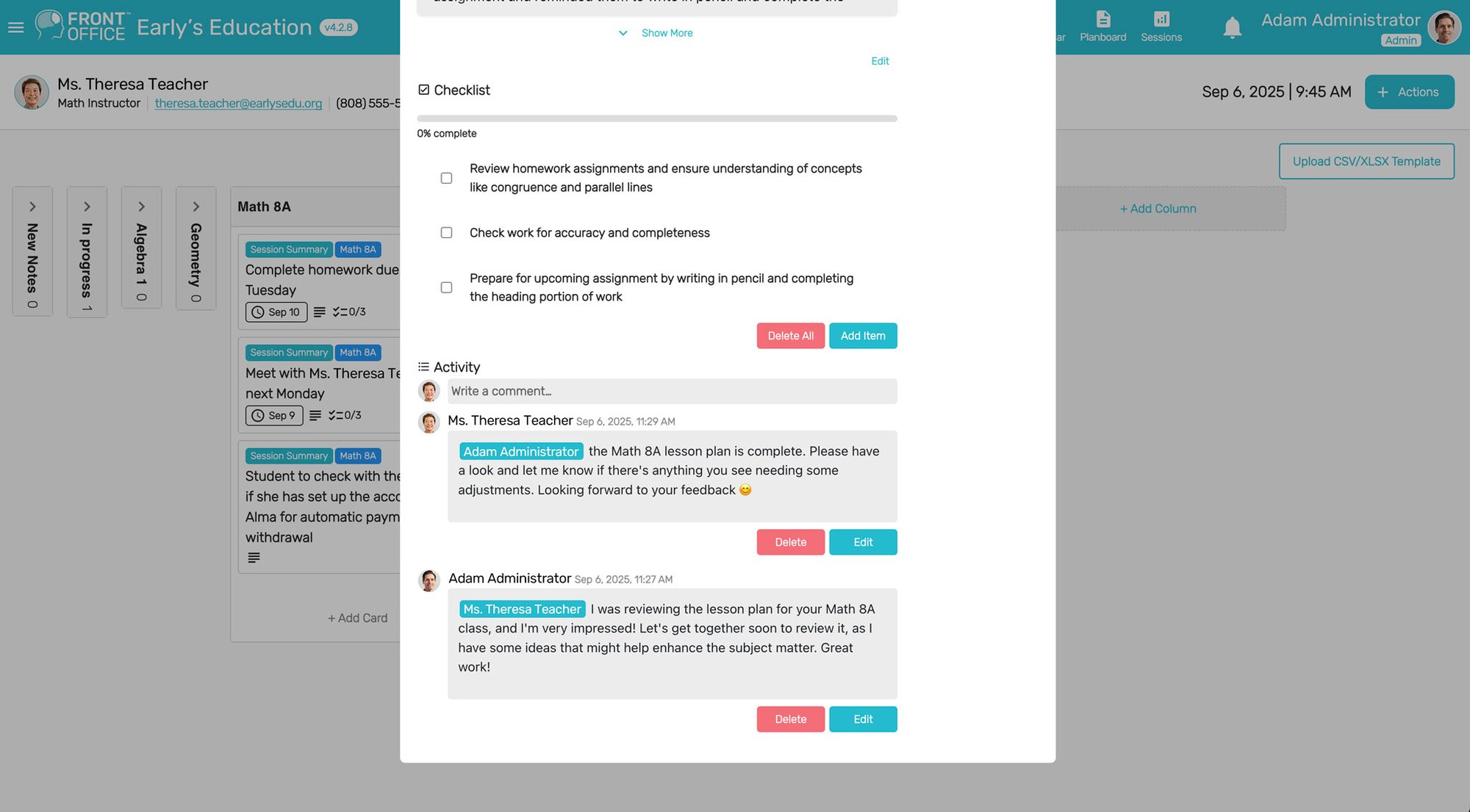
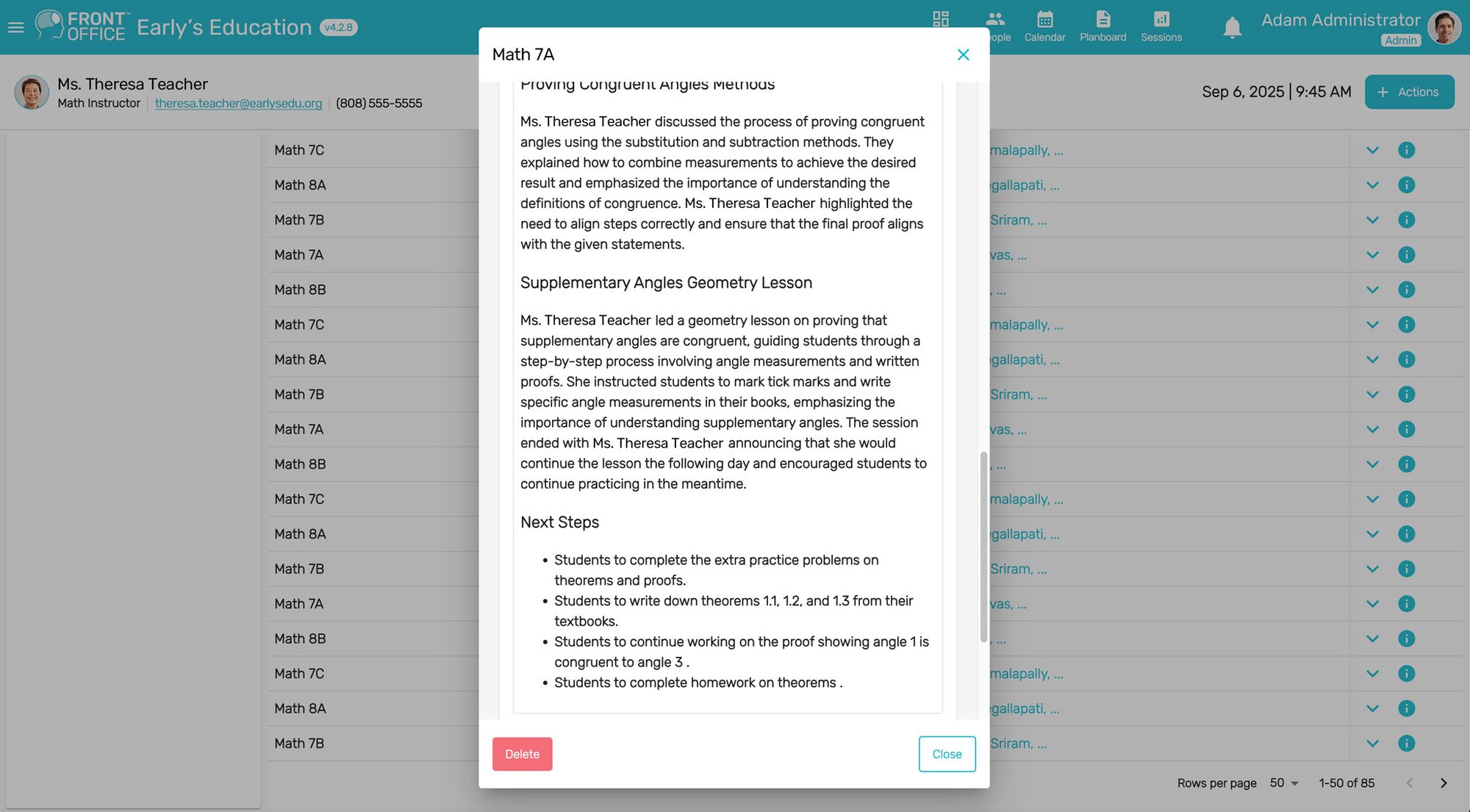
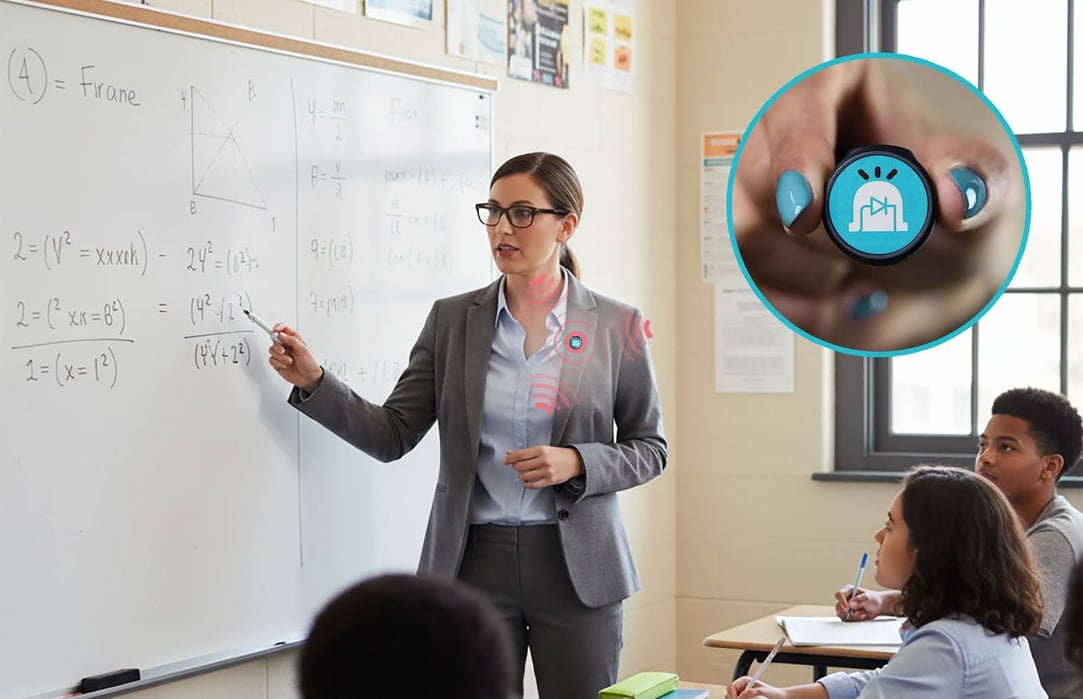
Swoon Assist™ is your AI-powered assistant that captures lessons, creates actionable next steps, and lightens the load of paperwork.
The Swoon Assist™ Microphone (included in subscription) brings real-time intelligence to your classroom or coaching sessions by seamlessly capturing clear audio and syncing it directly with Swoon Front Office™. It automatically organizes and analyzes what’s said, helping you document key moments, track progress, and generate session notes.
We know how critical trust is in education. Swoon Front Office™ with Swoon Assist™ is designed to keep student data safe.

FERPA Compliant

COPPA Ready

GDPR Ready

Secure PII Management

ADA Accessibility

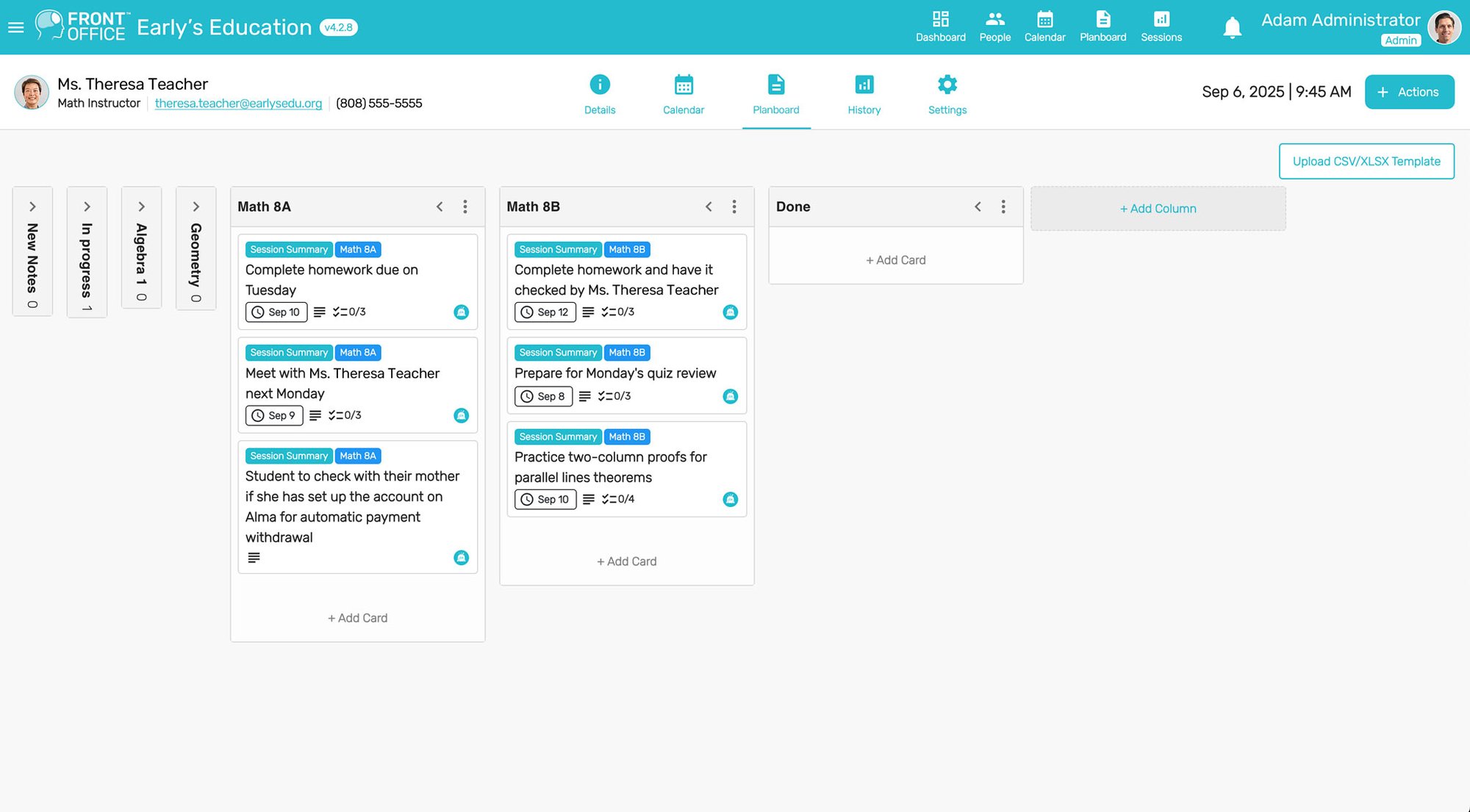
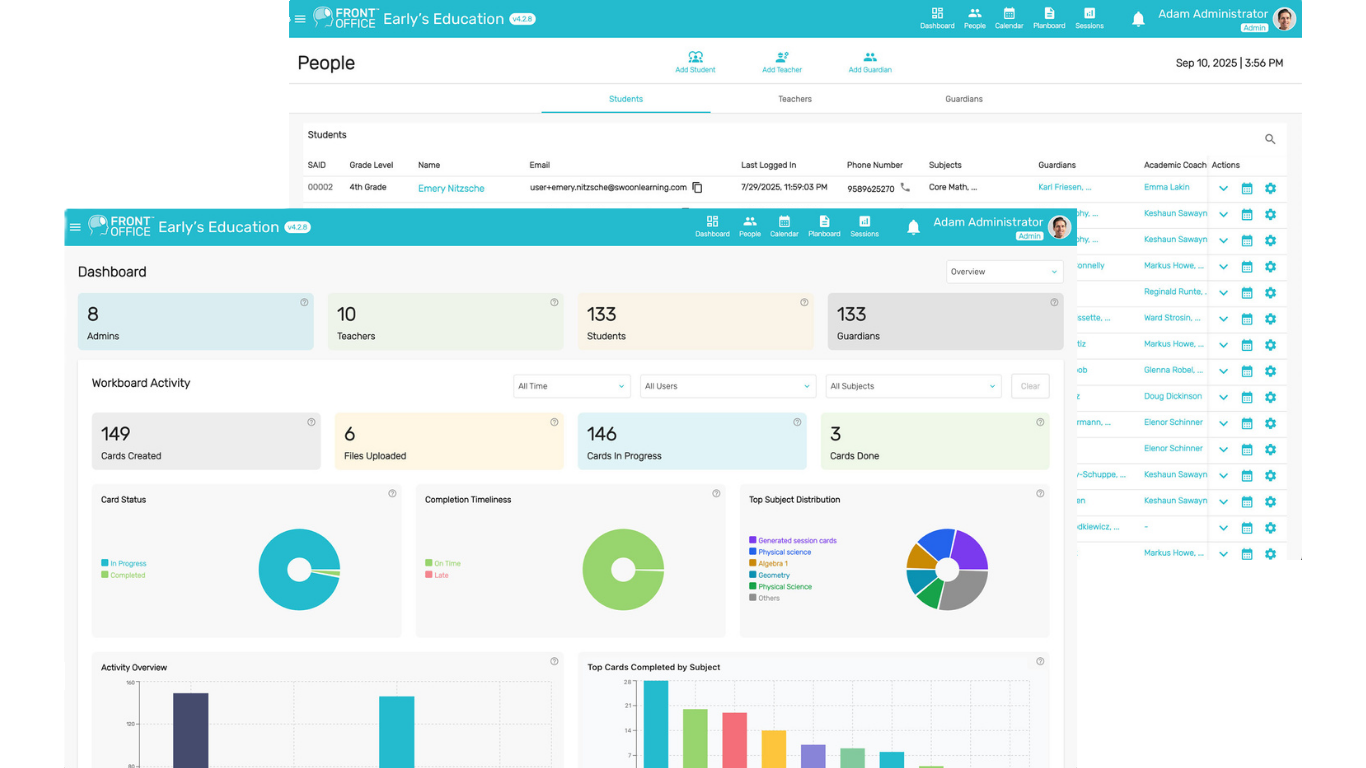
Swoon Front Office™ with Swoon Assist™ is an all-in-one platform that helps instructors manage scheduling, lesson planning, communication, and student progress. It combines smart tools with an AI-powered assistant that captures class information, generates actionable steps, and reduces administrative burden so tutors, coaches, and teachers can focus on teaching.
Yes, Swoon Front Office™ is built to meet important regulatory standards such as FERPA for student records in the United States, GDPR for international data privacy, and COPPA for protecting minors online. It is also designed with accessibility requirements in mind to ensure inclusivity for all learners.
Swoon Front Office™ is designed for solo tutors, coaches, and instructors, small to medium-sized tutoring or coaching organizations, medium-sized tutoring companies, and small or medium-sized private schools. Whether you are working one-on-one or managing dozens of students across multiple instructors, the platform scales to fit your needs.
Swoon Front Office™ uses industry-standard encryption both in transit and at rest, role-based access controls, and secure cloud storage to protect personally identifiable information. Student privacy and security are built into the platform’s core design, so families and schools can trust that their data is safe.
Swoon Assist™ acts as a background teaching assistant that records lessons, summarizes key points, and creates structured next steps for students. This means instructors do not have to rewrite notes or worry about what a student may have missed. It also helps keep classes on track by turning sessions into actionable outcomes.
Yes, Swoon Front Office™ was created to scale for organizations with multiple instructors and classes. Administrators can assign roles, manage groups of students, and oversee lesson plans and schedules across the entire organization.
The scheduling tool inside Swoon Front Office™ eliminates back-and-forth emails by letting students, parents, teachers, and coaches see availability instantly. It syncs across devices and time zones, making it easy for families and instructors to book and reschedule sessions without confusion.
Depending on the pricing tier, instructors and organizations receive responsive technical support, priority help, or even a dedicated account manager. This ensures that whether you are just getting started or managing a large program, you will have help when you need it.
Yes, instructors can create and share lesson plans directly in Swoon Front Office™. Students and families can see tasks, deadlines, and learning goals in one place. This helps everyone stay aligned on expectations and makes progress transparent.
Yes, Swoon Front Office™ works seamlessly across desktop, tablet, and mobile devices. This makes it easy for tutors, coaches, students, and families to stay connected and access schedules, lesson plans, and updates from anywhere.
Swoon Front Office™ has a built-in communication tool that keeps all updates in one context-relevant space. Instead of searching through long email chains, teachers, coaches, and students can share notes, updates, and reminders right where the lessons and tasks are tracked.
Getting started with Swoon Front Office™ is simple. You can contact our team for more information, set up a demo, and explore the features at the pricing tier that matches your needs. Once your account is set up, you can begin scheduling, planning lessons, and using Swoon Assist™ right away.